Screenshots
See it in action
A clean, focused UI designed for daily use.
Splash screen

Browsing through tunnel

Status bar — connected
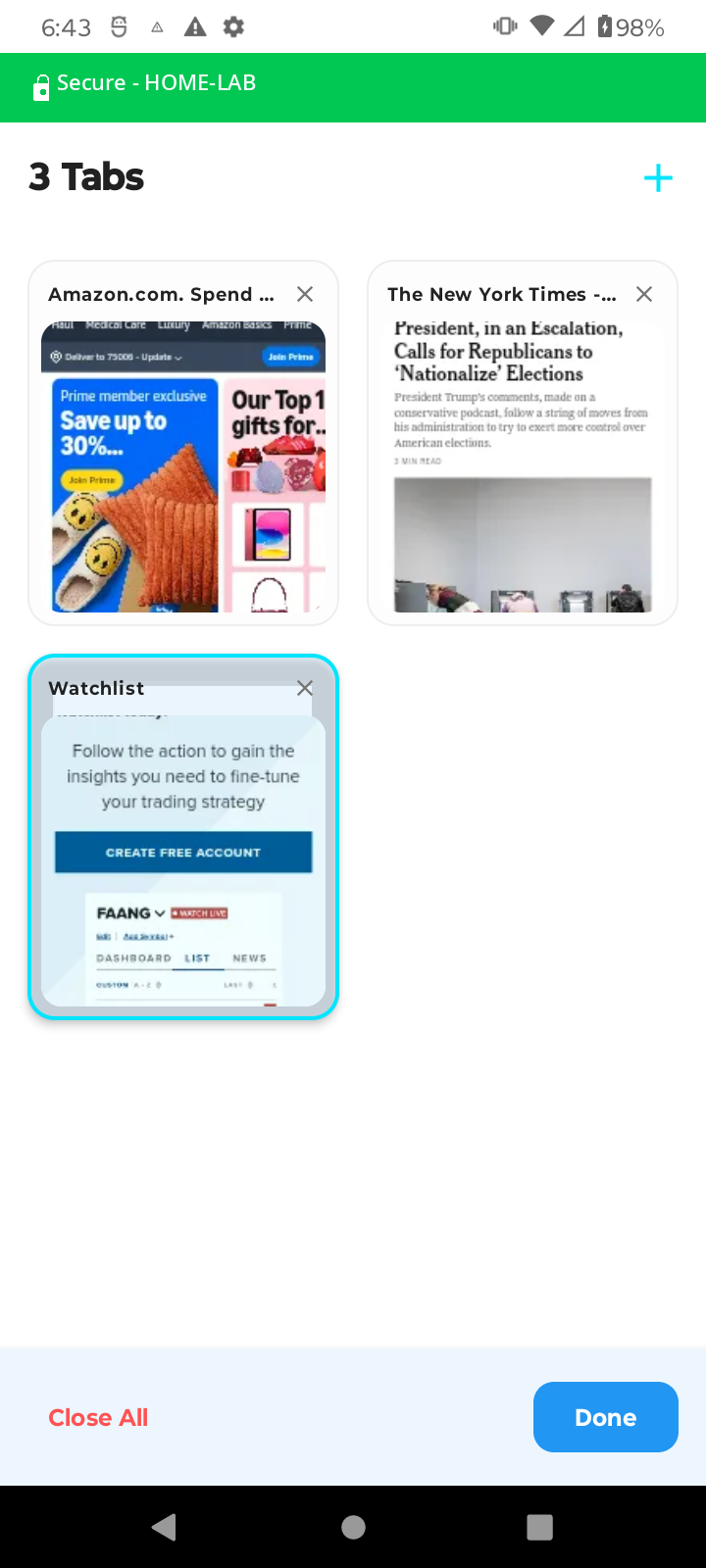
Tab switcher
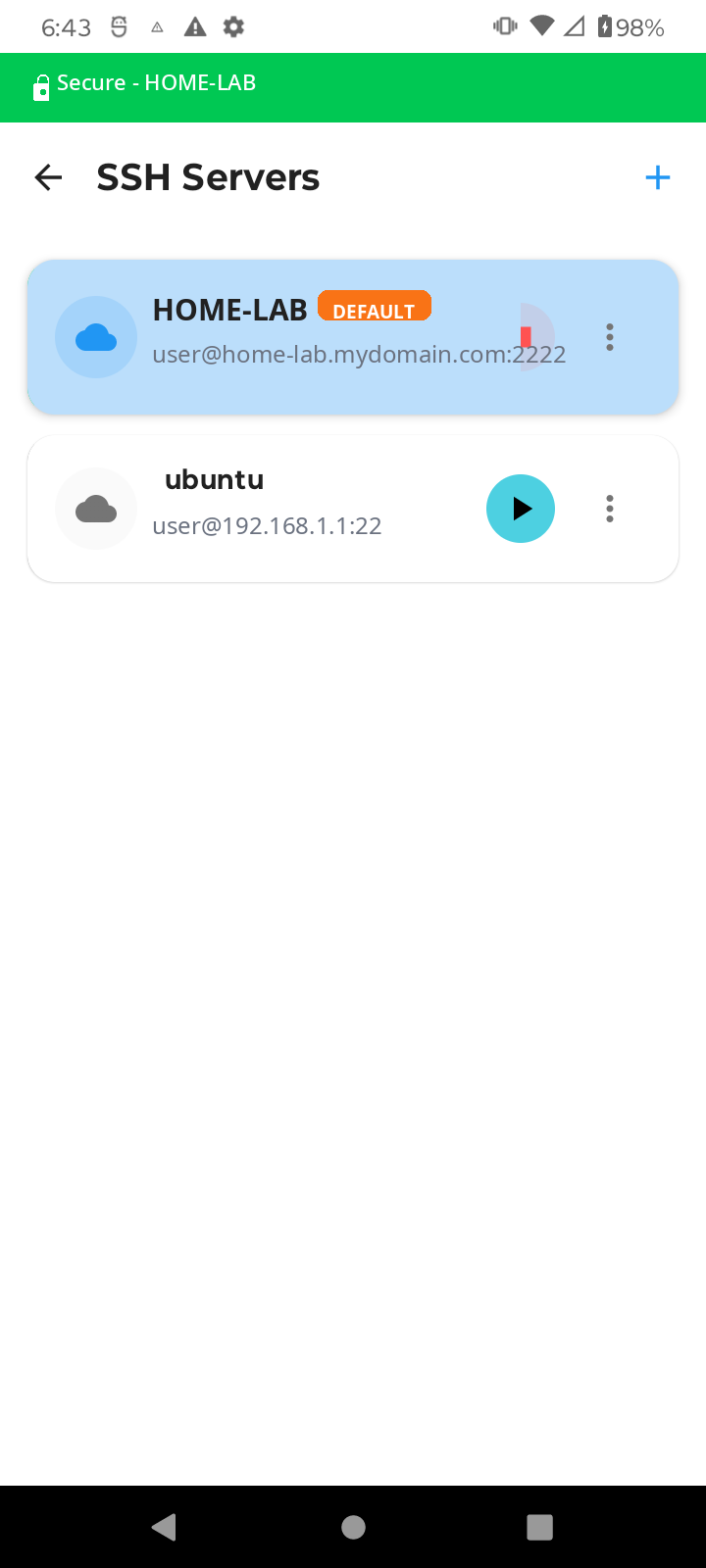
Server list
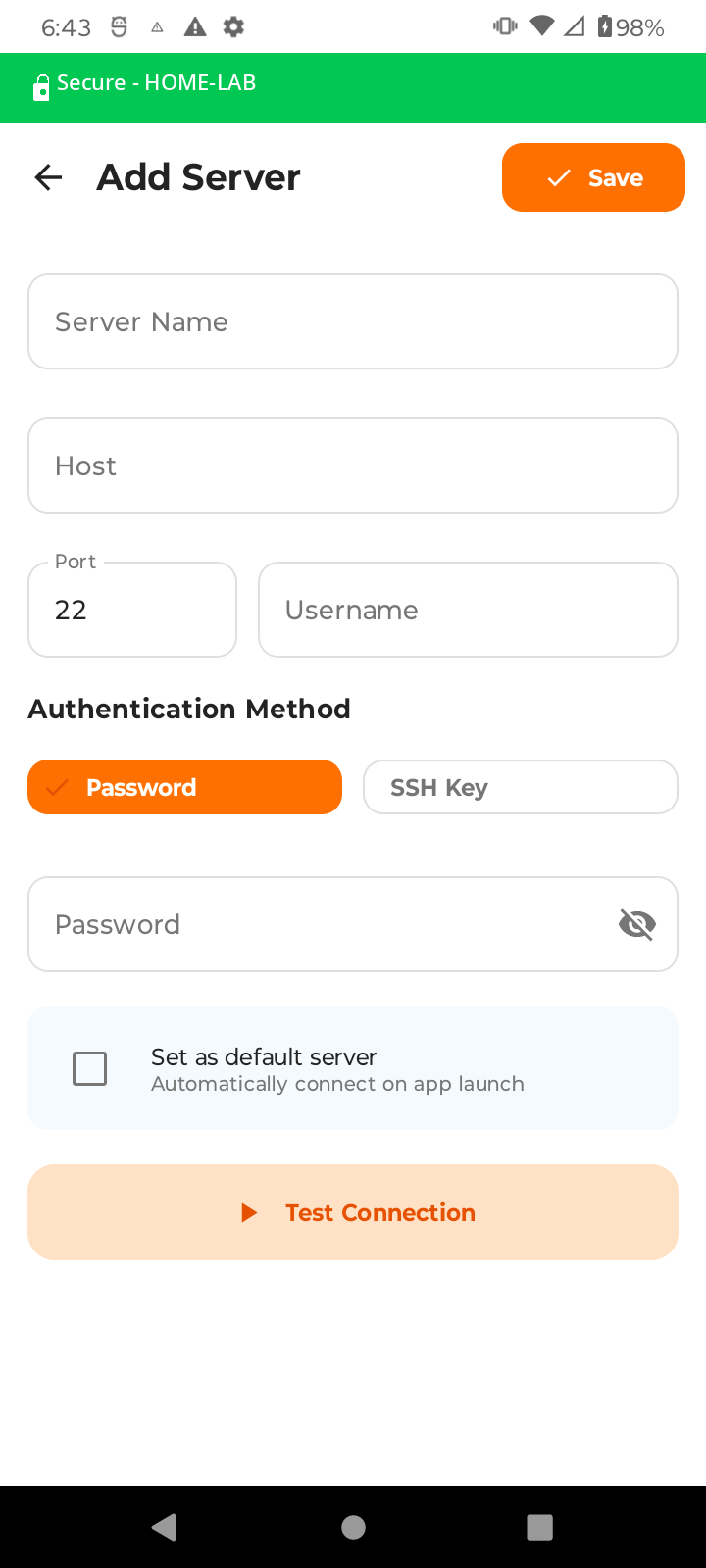
Add server form
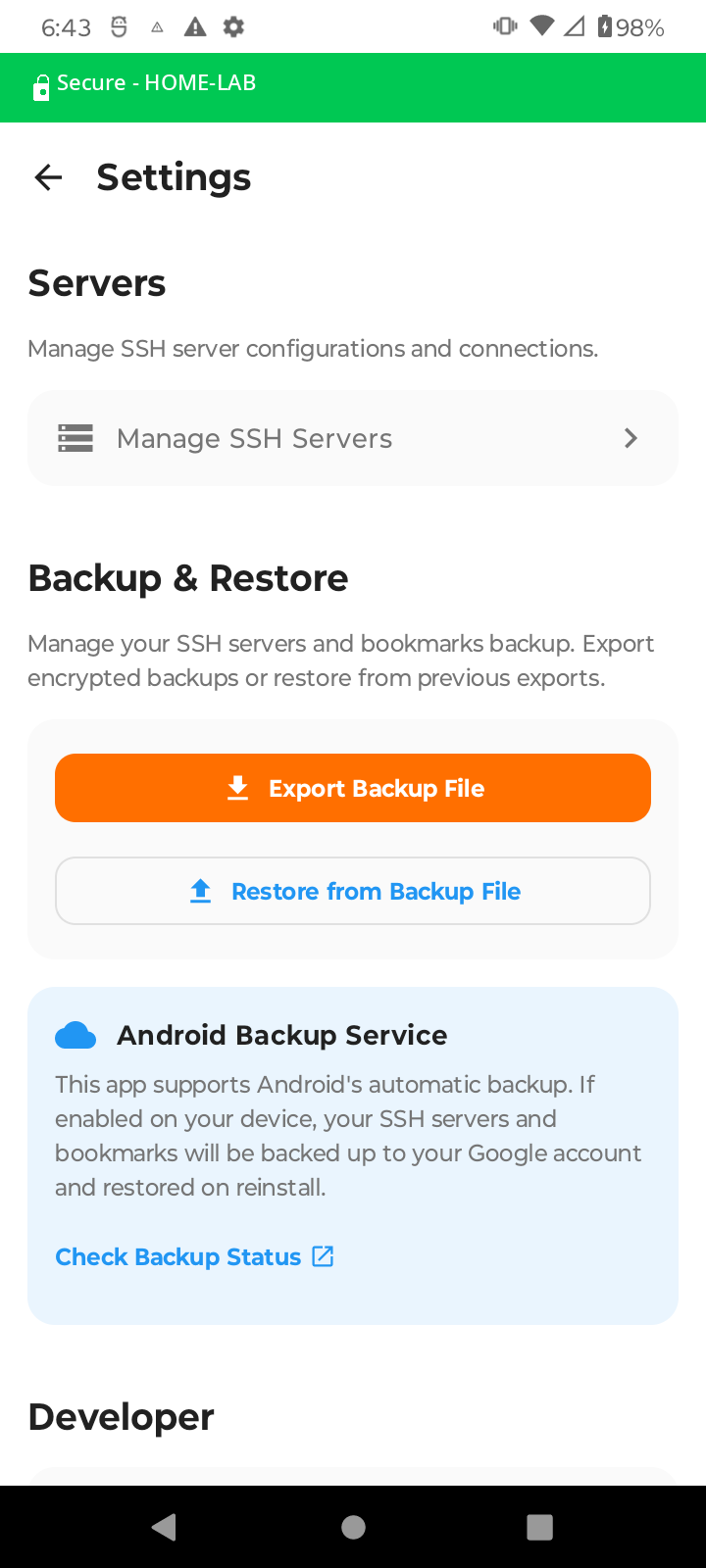
Settings & backup
No VPN subscriptions. No third-party servers. Just point SSH Browser at an SSH server you already own and browse with confidence.
The green status bar stays visible while your tunnel is active
SSH Browser connects to your SSH server and creates a local SOCKS5 proxy. Your entire browsing session flows through that encrypted tunnel — sites see your server's IP, not your device's.
Enter your server's hostname, port, and username. Choose password or SSH key authentication. Tap "Test Connection" to verify before saving.
SSH Browser establishes the tunnel and shows the green "Secure" status bar. On first connection, confirm the server's host key fingerprint.
Use the built-in multi-tab browser. All traffic flows through your SSH tunnel. Switch tabs, save bookmarks, stay protected.
Built for developers and privacy-conscious users who already run SSH servers.
Traffic travels inside an SSH connection — the same cryptography that secures servers worldwide. No third-party servers ever see your data.
Multi-tab browsing with a clean address bar, bookmarks, back/forward navigation, and a visual tab switcher.
A persistent foreground service keeps your tunnel alive even when you switch apps. The green status bar shows you're always protected.
Save as many SSH servers as you need. Set a default to auto-connect on launch, or switch servers with one tap.
Supports standard password login or SSH key pairs. Import your existing private keys from local storage.
Verify a server's connection works before saving your configuration — no surprises when you actually need it.
Export encrypted backups of your server configs and bookmarks. Also integrates with Android's automatic Google account backup.
Warns you immediately if a server's host key changes — protecting you against man-in-the-middle attacks on every connection.
A clean, focused UI designed for daily use.
SSH Browser is for users who already have an SSH server and want to use it as a private proxy — without paying for a VPN service.
You already run SSH servers. Now use them as a private proxy on your phone — no extra setup, no new accounts.
On a hotel, office, or public Wi-Fi with restrictions? Route your traffic through a server you trust.
Skip the VPN subscription. Your traffic goes through your own server — you control every hop.
Free to download. No account required. No ads. No third-party servers.
▶ Download SSH BrowserRequires Android 8.0+ and access to an SSH server